Search Results for: SSD guide

Using E-Key M.2 WiFi Adapters with Orange Pi 5
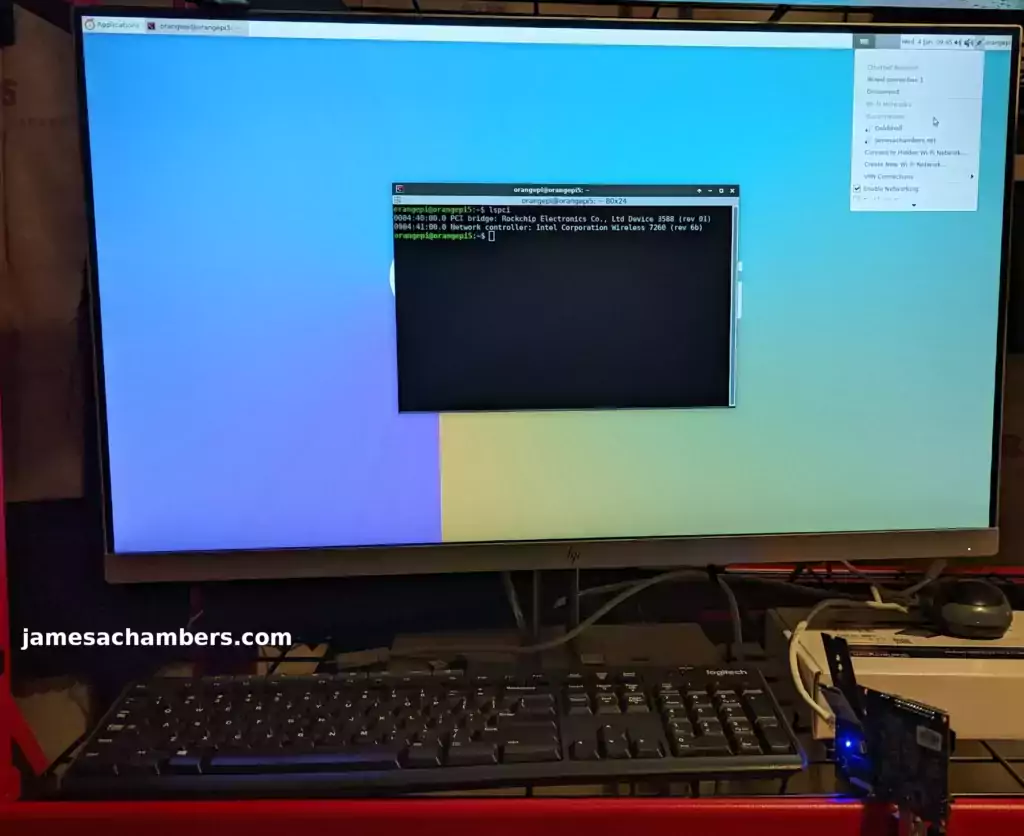
Orange Pi 5 E-Key to M-Key WiFi Adapter Guide

Orange Pi has not released the WiFi module for the Orange Pi 5 yet which has left some people in a difficult position. While working on this problem I discovered an adapter that claimed to be able to let me use normal E-keyed WiFi adapters (commonly found in laptops and tablets) with the Orange Pi 5 using an adapter.

I received and tested the adapter and I am pleased to report it works perfectly! There are some caveats though such as you need a driver for your WiFi card within your OS (and often firmware as well).

In this guide I’ll show you how to get this working with the Orange Pi 5 using Linux. Let’s get started!

Using E-Key M.2 WiFi Adapters with Orange Pi 5 Read More »
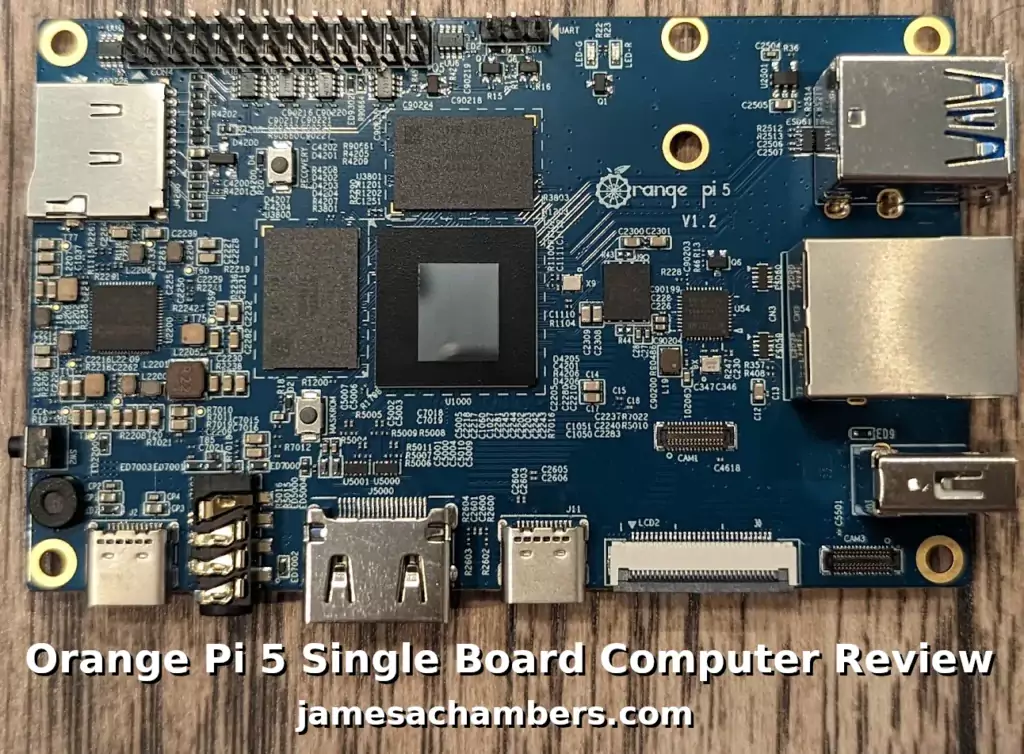
Orange Pi 5 Review – Powerful, No WiFi

Orange Pi 5 SBC Review

The Orange Pi 5 has finally arrived! I received my pre-order and the board is great. So should you go out and buy it? Probably, but there are some things you should know first that you may not be expecting.

The biggest thing to know is that there is no WiFi/Bluetooth included. If you were planning on using Ethernet anyway this doesn’t have much of an impact. If you do need wireless capabilities we’ll cover what options are available.

In this review we’ll cover what you need to know about the Orange Pi 5 including it’s onboard capabilities, the available RAM options as well as benchmark the board. Let’s get started!

Orange Pi 5 Review – Powerful, No WiFi Read More »

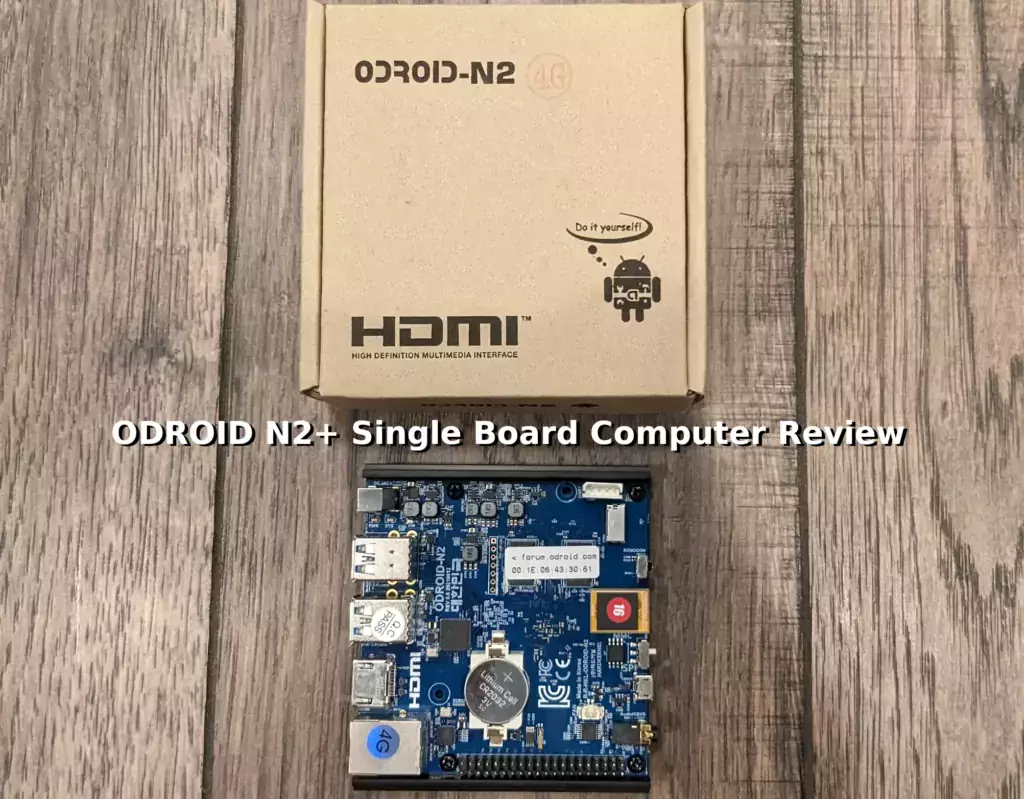
Hardkernel ODROID N2+ SBC Review

Hardkernel ODROID N2+ SBC Review

The ODROID N2+ is a single board computer available in 2GB and 4GB options. It has the Petitboot loader which easily supports booting from flash drives, SSDs, and other types of storage. It’s a very popular choice for emulation due to it’s powerful CPU and GPU. It also has overclocking capabilities!

Today I’m going to review the ODROID N2+ and examine the available image choices, benchmark the performance of the board, take a look at the capabilities and give some general recommendations about who would best benefit from using a board like this. Let’s get started!

Hardkernel ODROID N2+ SBC Review Read More »

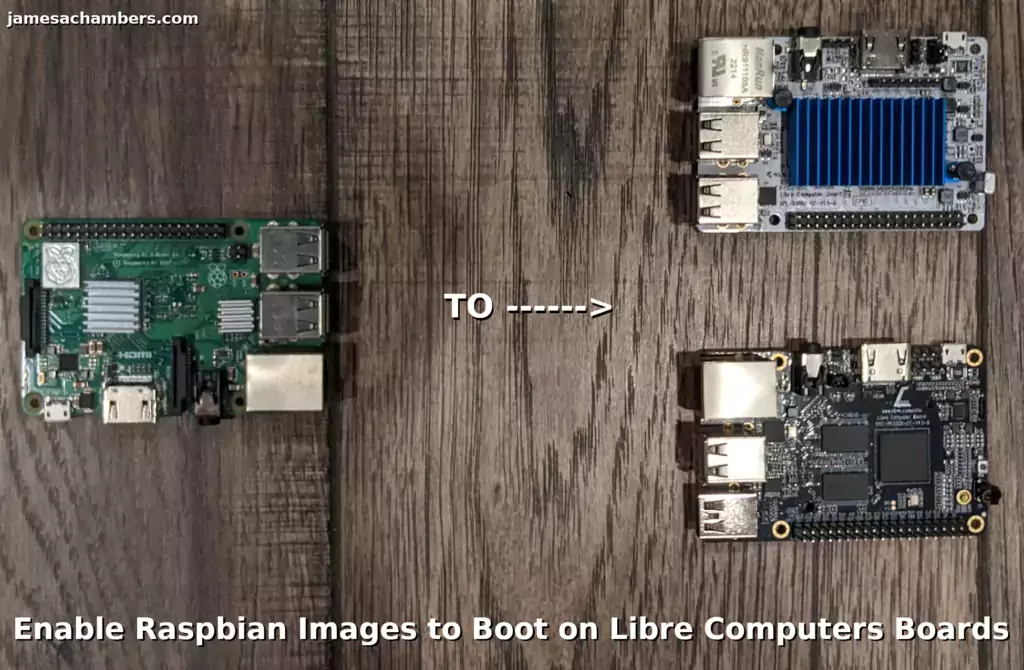
Enable Raspbian Images to Boot on Libre Computers Boards

Enable Raspbian Images to Boot on Libre Computers Boards Guide

Libre Computers is a company making single board computers that are much more open-sourced than the Raspberry Pi (especially when it comes to hardware). They are offering a USB 2.0 model (the “Le Potato”) for $40 and a USB 3.0 model (the “Renegade”) for $50. Those are not theoretical MSRP prices that are impossible to find either. Those are the listed prices available today!

When I first covered these boards the Libre reddit account let me know about a utility they had available that could enable most Raspberry Pi images to boot on Libre Computers boards such as the “Le Potato” and “Renegade”. I tried out the tool and it worked great! In this guide I will show you where to get the tool and how to use it.

Let’s begin!

Enable Raspbian Images to Boot on Libre Computers Boards Read More »

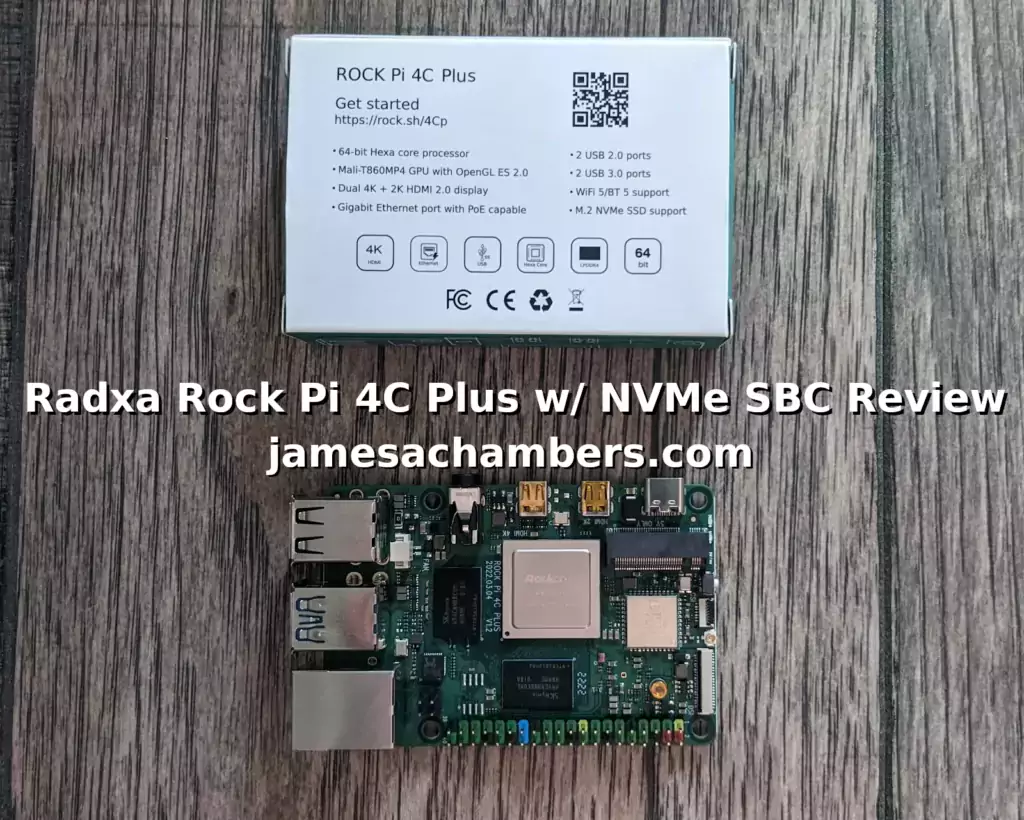
Rock Pi 4C Plus w/ NVMe SBC Review

Radxa Rock Pi 4C Plus w/ NVMe Review

We continue to see a storage technology evolution take place with single board computers. NVMe slots are becoming more and more prevalent on newer models. This is great news for consumers as a M.2 NVMe SSD can actually be cheaper than a SD card (and is much cheaper GB per GB).

Today I’m taking a look at the Radxa Rock Pi 4C Plus single board computer. Previous iterations of this board have had NVMe slots but it has been moved to the top of the board on this model and can properly mount a 2230 NVMe SSD. The SSD I’m using today was only $12 for a 128GB capacity drive.

The board is quite powerful hardware-wise having 4GB of RAM and an hexa-core (6 cores) CPU configuration. We’ll be benchmarking what kind of performance we get using a configuration like this.

Let’s get started!

Rock Pi 4C Plus w/ NVMe SBC Review Read More »

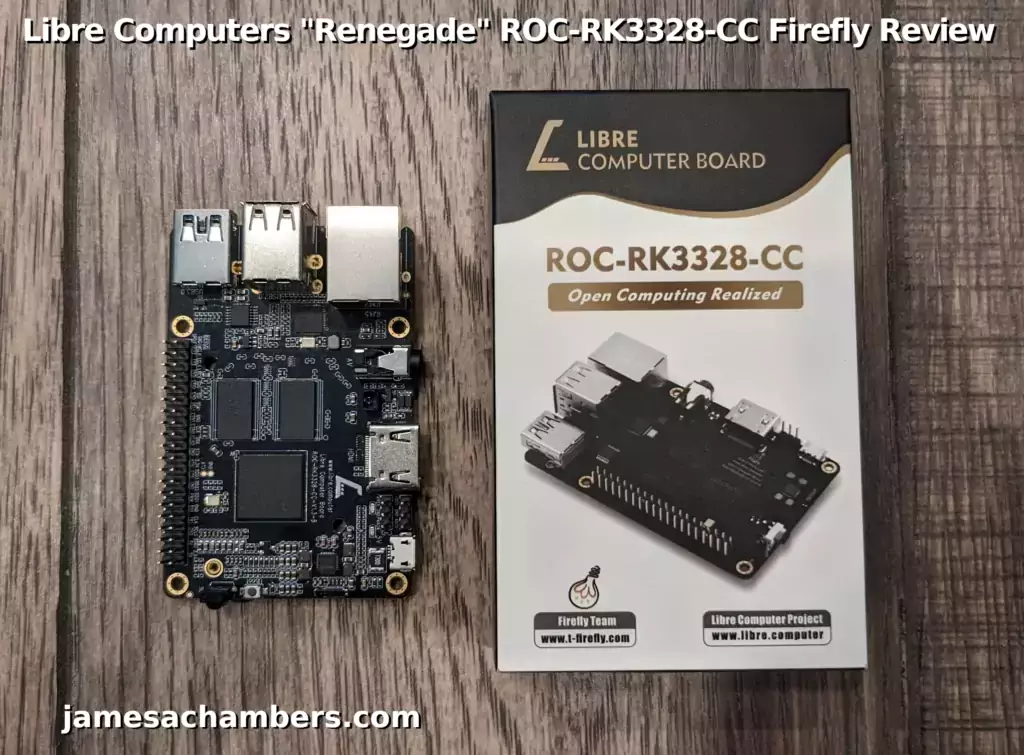
Libre Computers ROC-RK3328-CC “Renegade” SBC Review

Libre Computers "Renegade" ROC-RK3328-CC Firefly Review

Recently I reviewed the Libre Computers “Le Potato” and I really like it. Libre Computers offers very up to date images (and takes pride in it) and the build quality on the board was rock solid. I also like that it is actually widely available to order for only $40.

I’m very excited that today I received the “Renegade” ROC-RK3328-CC Firefly board from Libre Computers which is available for only $50. One very interesting feature this board has that the “Le Potato” doesn’t is a USB 3.0 port. Since I love writing USB booting guides for all my single board computers having a USB 3.0 port means that the “Renegade” has the potential to hit much higher I/O performance scores using USB 3.0.

Will the “Renegade” live up to the high expectations set by the “Le Potato”? Let’s find out!

Libre Computers ROC-RK3328-CC “Renegade” SBC Review Read More »

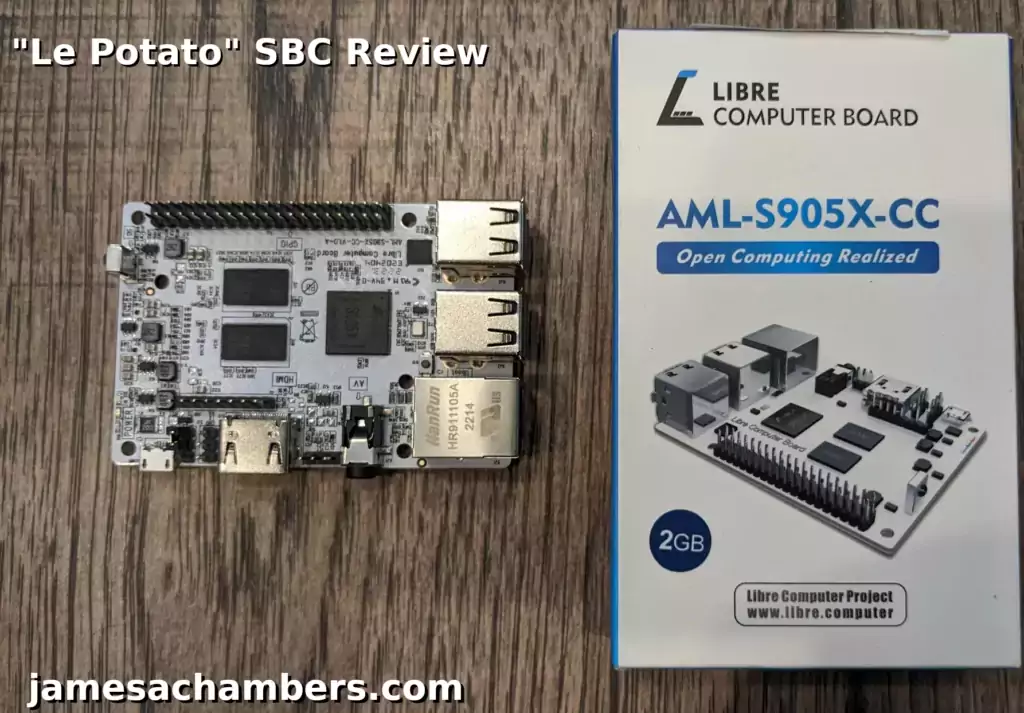
Libre Computers “Le Potato” SBC Review

Libre Computers "Le Potato" Review

The “Le Potato” single board computer available from Libre Computers is an alternative to the Raspberry Pi. It is modeled after the Raspberry Pi 3 and is largely compatible with the Raspberry Pi 3 and it’s accessories (with some limitations/caveats). It can even run Raspberry Pi OS / Raspbian.

It costs about 1/3rd of what a Raspberry Pi does while coming with 2GB of memory. It’s widely available as well (I got mine from Amazon Prime with overnight delivery). Today we’ll be taking a look at the “Le Potato” as well as benchmarking it to see how well it can perform.

Let’s get started!

Libre Computers “Le Potato” SBC Review Read More »

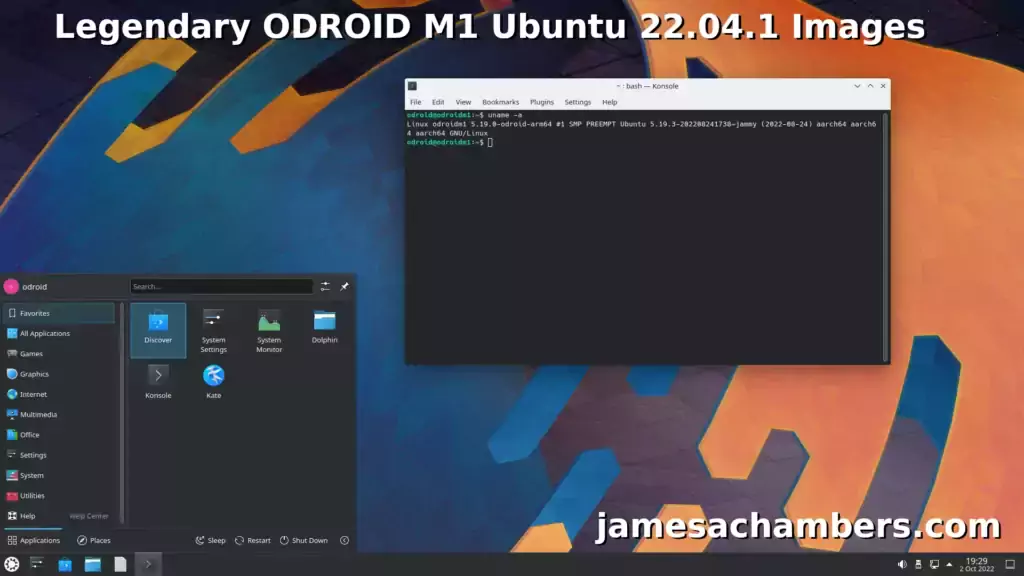
Legendary ODROID M1 Ubuntu 22.04.1 Images

Legendary ODROID M1 Images

Recently I reviewed the ODROID M1 and it’s a fantastic board. One problem with it though is that the image available for it is still only Ubuntu 20.04.

It’s possible to upgrade the server version to 22.04 and then install Ubuntu Desktop which I covered in my review. It’s painful though and takes a very long time especially if you want to install a desktop environment afterward.

I figured by now the updated image would be out and it still isn’t so today I’m releasing my Legendary ODROID M1 Ubuntu 22.04.1 images as well as the system I used to build the images!

Legendary ODROID M1 Ubuntu 22.04.1 Images Read More »

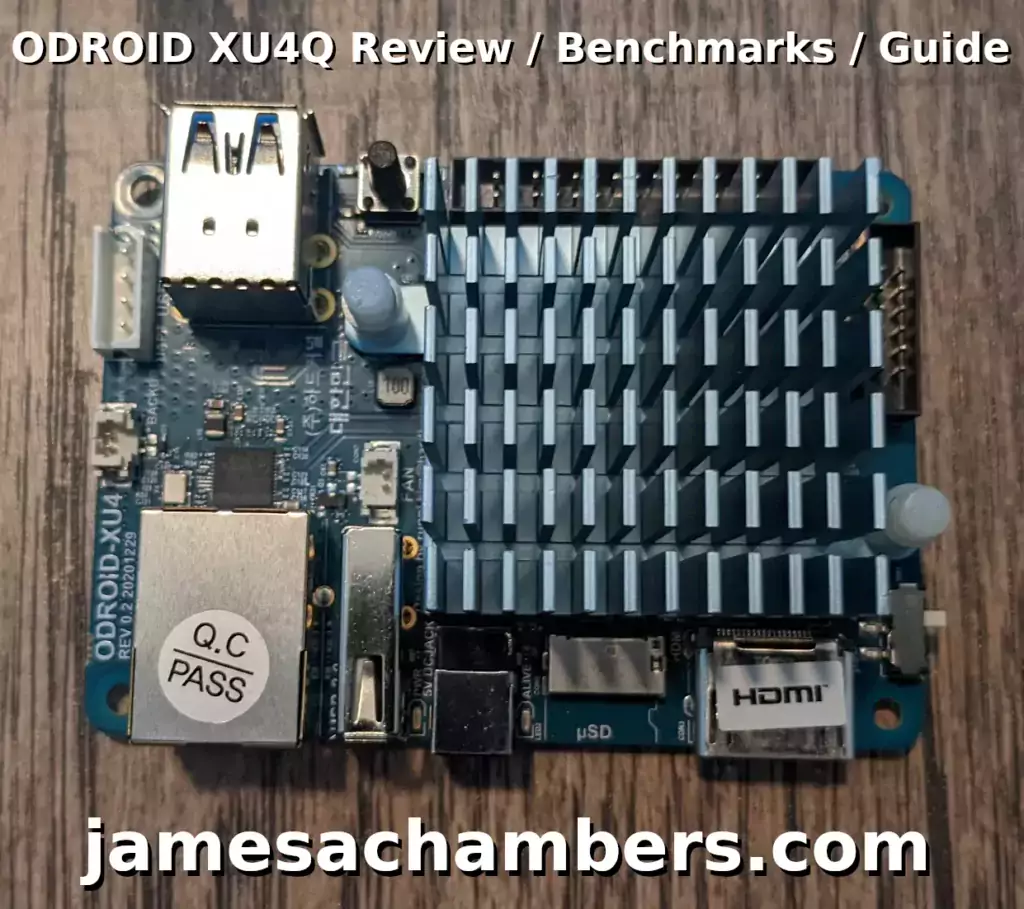
ODROID XU4Q Review / eMMC Tests

ODROID XU4Q Review / Benchmarks / Guide

I recently received several ODROID products I wanted to review and benchmark in my quest to explore the rest of the SBC world outside of Raspberry Pi. Today we’re going to cover the ODROID XU4Q!

We’ll cover the pros and cons of the board and then benchmark the board with a official Hardkernel eMMC module. Let’s get started!

ODROID XU4Q Review / eMMC Tests Read More »

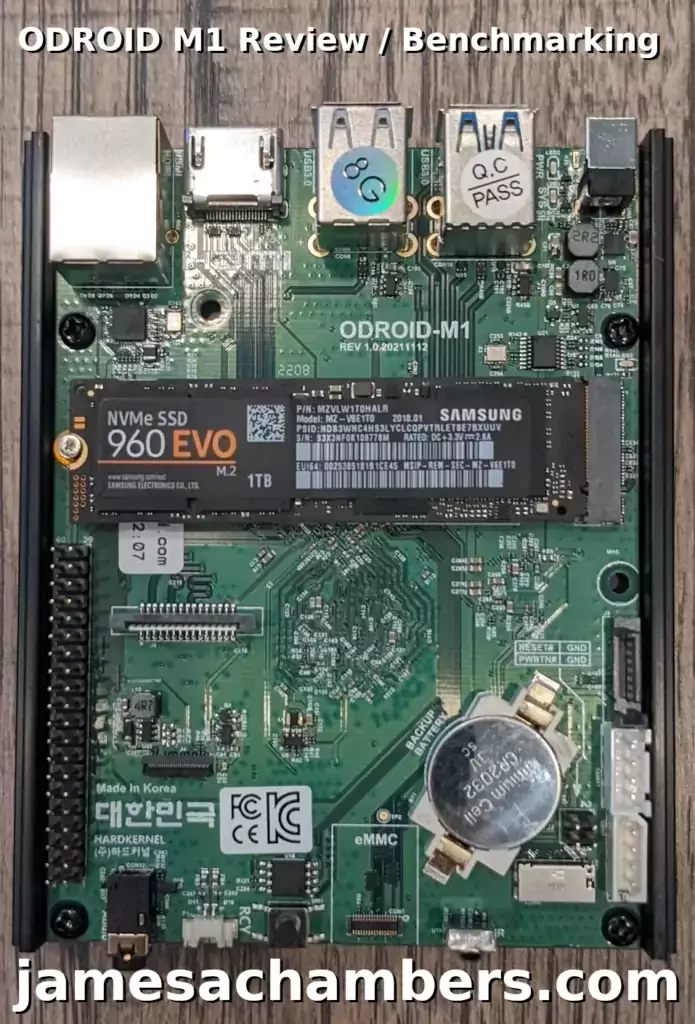
ODROID M1 Review and Benchmarks

ODROID M1

Today I’m very excited to review the ODROID M1 board. I bought this board for a couple of reasons. The first was that it is one of the top rated (and the top rated) boards on my Pi Benchmarks storage benchmarking website.

The second reason was a recommendation from you guys on one of my articles to check out and review the board! This will be my very first ODROID board. Definitely let me know if there’s more boards I need to check out that I haven’t covered as I’m actively investigating alternative SBCs to the Raspberry Pi due to the ongoing shortage

Let’s begin!

ODROID M1 Review and Benchmarks Read More »