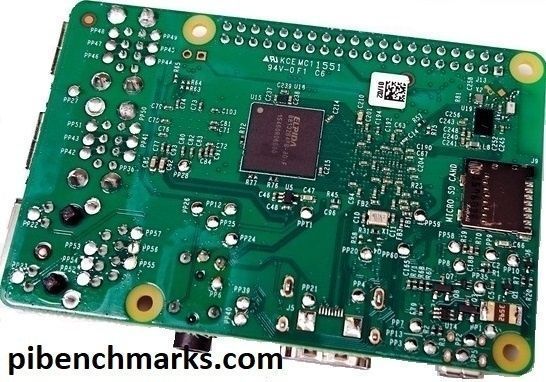
Raspberry Pi 400 Overclocking / NVMe SSD Setup Guide

Raspberry Pi 400 Setup w/ NVMe SSD

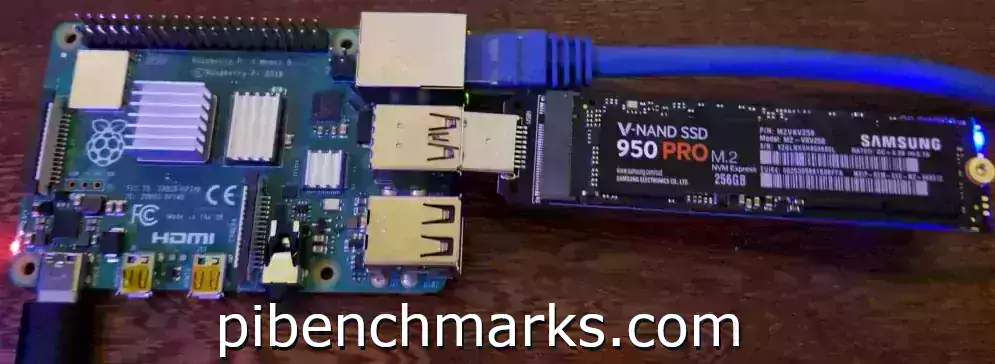
The Raspberry Pi 400 is the first offering from the Raspberry Pi lineup that is meant to approach desktop level performance. The official raspberrypi.org site lists the Pi 400 kit as the “Raspberry Pi 400 Personal Computer Kit“. It comes in the very interesting form factor of a keyboard with all the ports right in the back!

Although the performance on stock clock speeds and with a SD card was really great, especially for a Raspberry Pi, I would not call it desktop class performance. Fortunately we *can* make it desktop class performance with a few tweaks! This guide will show how to overclock the Pi 400 as well as set it up with a NVMe SSD to get the maximum possible performance we can out of it!

Raspberry Pi 400 Overclocking / NVMe SSD Setup Guide Read More »
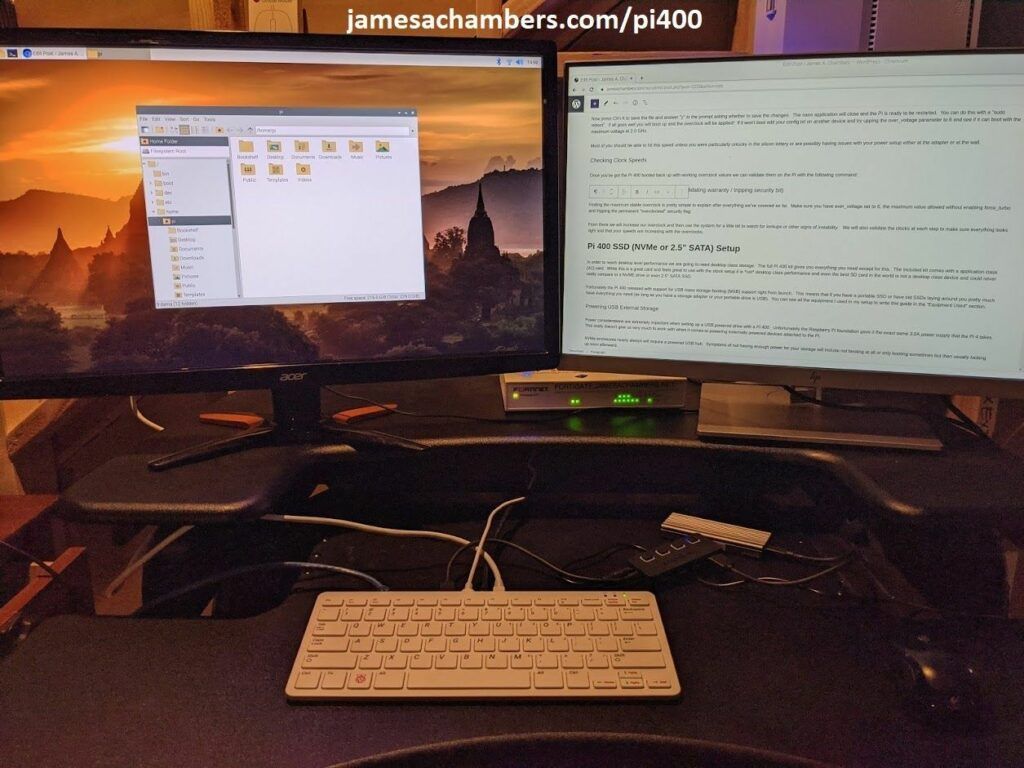
Raspberry Pi: Reclaim ~1% CPU Usage when SSD/USB Booting

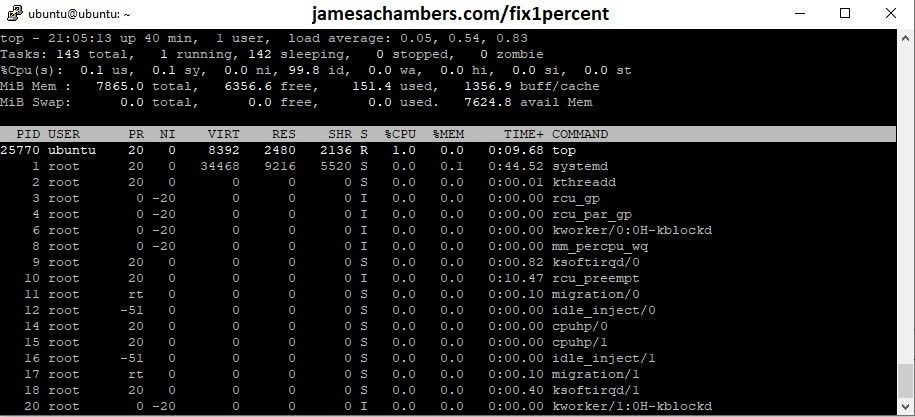
SSD Ubuntu 'Top' - Fixed

Native support for USB mass storage device booting has made it’s way to all of the Raspberry Pi 4’s firmware release channels! With that exciting development an old issue from the Pi 3 and earlier USB booting days has manifested itself once again in the form of a constant 1-2% CPU draw even with nothing running.

This guide will show you an easy config.txt parameter to eliminate this problem and optimize your mass storage boot setups!

Raspberry Pi: Reclaim ~1% CPU Usage when SSD/USB Booting Read More »

Fixing Valheim Dedicated Server Lag – Modify Send/Receive Limits

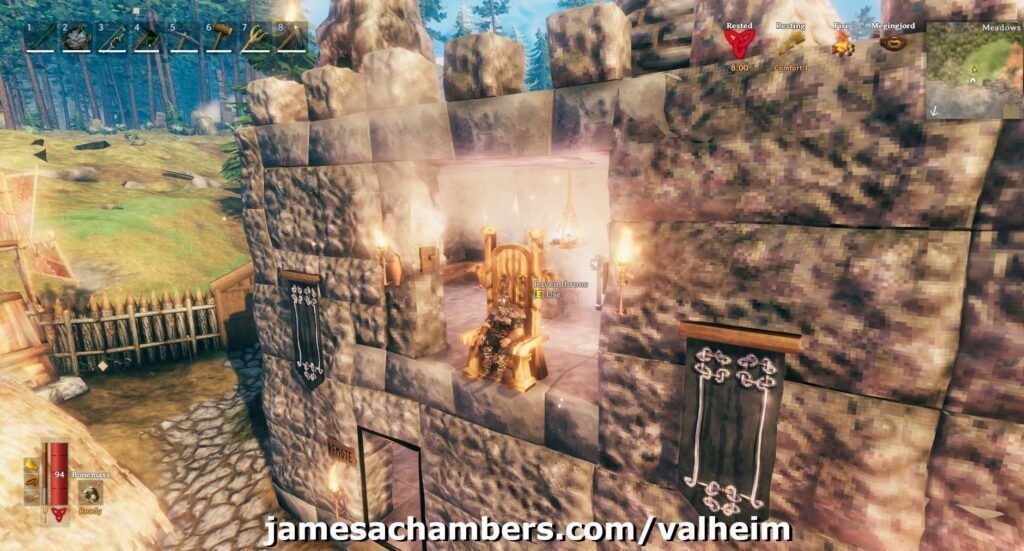
My Valheim Dedicated Server Castle

Valheim is a really fun game where you are basically a Viking in purgatory trying to get to Valhalla that recently entered early access. It honestly works pretty well (I would say especially compared to recently ‘AAA’ titles like Cyberpunk). There are definitely still some issues though and a very common one is lag on a dedicated server.

This guide will show some methods you can use to help reduce lag on your Valheim dedicated server!

Fixing Valheim Dedicated Server Lag – Modify Send/Receive Limits Read More »

Minecraft Bedrock Dedicated Server Resource Pack / RTX Guide

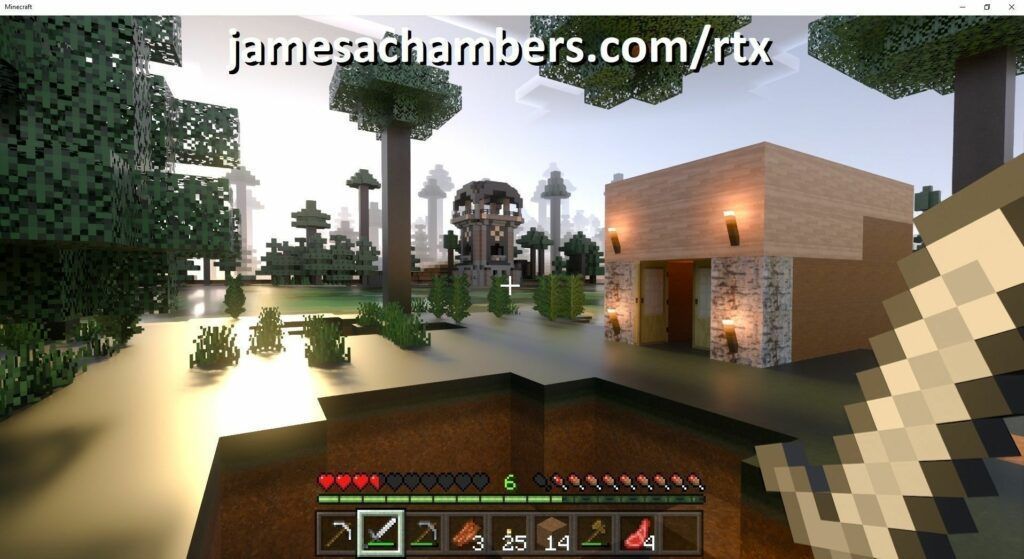
Minecraft Bedrock with Resource Pack / RTX

On December 8th NVIDIA officially released RTX support on Minecraft Bedrock Edition for Windows 10. To use this feature you need to have a resource pack installed.

Fortunately the dedicated server not only supports resource packs, but in this guide I will show you how to set it up so that resource packs are automatically downloaded to your player’s device and activated!

Minecraft Bedrock Dedicated Server Resource Pack / RTX Guide Read More »

Remove All Traces of Microsoft SCCM w/ PowerShell (By Force)

SCCM Problem

Microsoft’s System Center Configuration Manager (SCCM) seems to usually work pretty well for 95-97% of the computers at the environments I’ve worked in. Unfortunately for the remaining few percentage points of computers that SCCM is *not* working pretty well for when SCCM does break it does so spectacularly with style and pizzazz.

This guide will show you how to use PowerShell to remove all traces from the computer so you can perform a clean reinstall!

Remove All Traces of Microsoft SCCM w/ PowerShell (By Force) Read More »

Fast Raspberry Pi 4 Storage Benchmarks

Raspberry Pi Storage Benchmark 2020

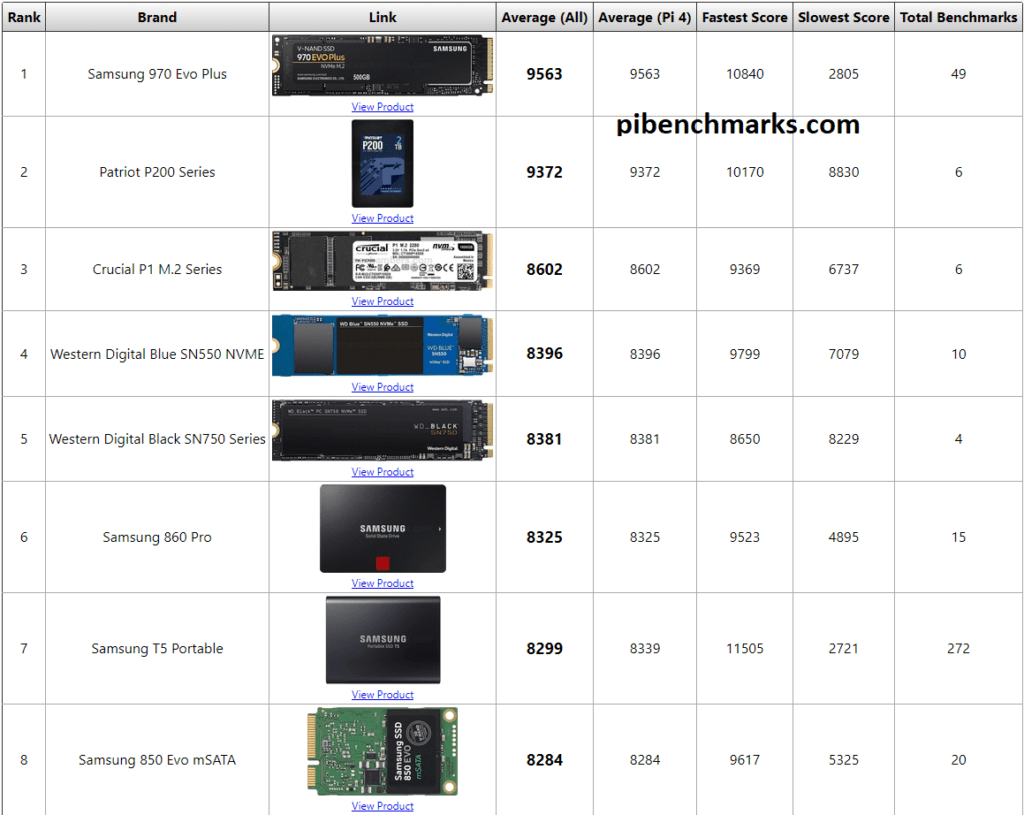
We’ve now received over 20,000 benchmarks at Pi Benchmarks! These are submitted by regular people from all over the world.

In celebration of that milestone as well as the launch of the 8GB Raspberry Pi 4 take a closer look at which device you should choose for your Raspberry Pi 4 as determined by science and measurement!

Fast Raspberry Pi 4 Storage Benchmarks Read More »

Disabling SCCM MDM Coexistence Mode (Unofficial Imperfect Workaround)

SCCM MDM Enrollment Registry Key

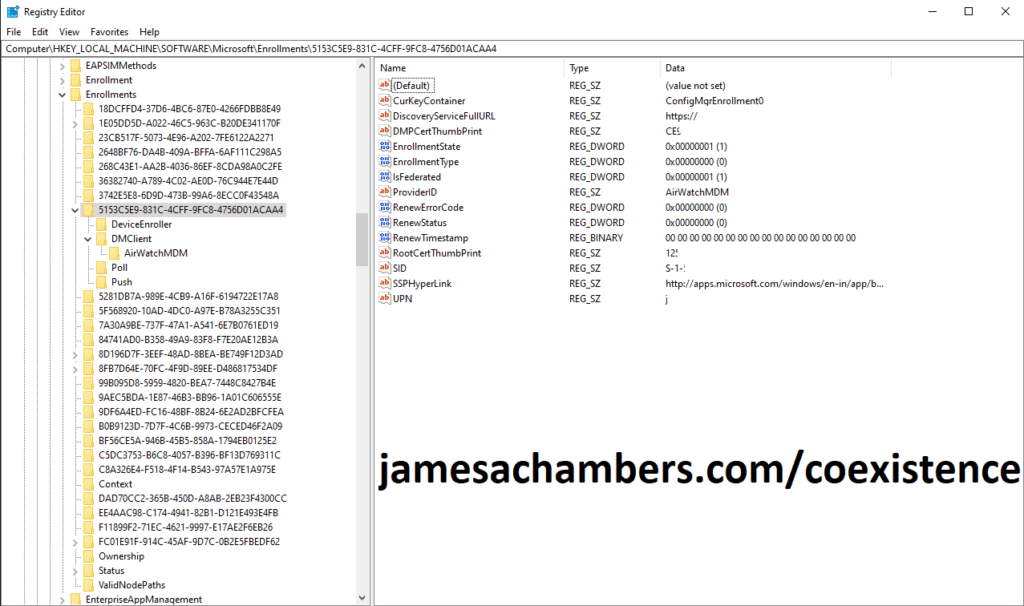
Microsoft recently added a feature called MDM coexistence into SCCM. Basically this makes SCCM shut off most of it’s functionality when a third party MDM is detected on the machine. You will see errors such as “You don’t have permission to install this software” when coexistence mode is enabled.

This post will outline a way I found to turn SCCM back on (with a caveat).

Disabling SCCM MDM Coexistence Mode (Unofficial Imperfect Workaround) Read More »

Telecom Monopoly CenturyLink’s Static IP / Modem / UPS Scam Outlined

CenturyLink Tower of Shame

I’m really sorry to say that I was excited when I found out CenturyLink offered gigabit 1000 up 1000 down fiber to the home in the neighborhood I just moved into. Dreams of things like having enough upload speed to leave the cloud and operate jamesachambers.com independently in my own home seemed like they could finally be a reality. Dreams were quickly shattered when I realized what kind of incompetence and dishonesty I would be dealing with.

Telecom Monopoly CenturyLink’s Static IP / Modem / UPS Scam Outlined Read More »

Raspberry Pi Minecraft Script 1.16.1 Update Released!

Minecraft Nether Update

Hello everyone! It has been a crazy 2020 so far and I’m way behind on articles, pull requests, issues, etc. But even in these crazy times I do have some good news: the 1.16 Minecraft update has been released and I have updated my Minecraft setup/server management script for Raspberry Pi!

Raspberry Pi Minecraft Script 1.16.1 Update Released! Read More »

Raspberry Pi 4 Xubuntu 18.04 Image Released (Unofficial)

Xubuntu 18.04 Desktop Screenshot

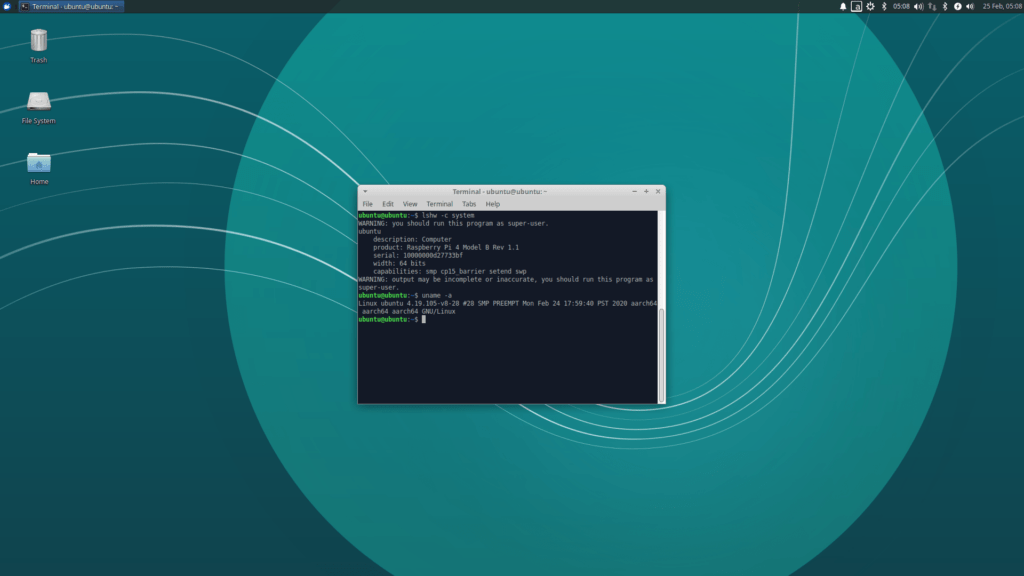
After receiving quite a few requests for a lightweight alternative to the default Ubuntu Desktop environment I have added Xubuntu Desktop to my Raspberry Pi 4 Ubuntu 18.04 LTS preinstalled image builds! The Xubuntu version feels much snappier and more responsive on the Pi. It also uses less overall memory freeing it up to do other things on your Pi.

Raspberry Pi 4 Xubuntu 18.04 Image Released (Unofficial) Read More »

Raspberry Pi 4/400 Bootloader Firmware Update/Recovery Guide

Raspberry Pi 4

All of the previous generations of Raspberry Pi contained all of their firmware on the SD card. Starting with the Raspberry Pi 4 the device actually has onboard upgradable firmware stored on an EEPROM chip separate from your storage. Updating this firmware is very important as one of the first released updates reduces power usage of the Pi by 30% which also reduces how hot it gets.

In this guide I’ll show you how to update the bootloader firmware (no, it’s not apt-get upgrade, it’s a new utility called rpi-eeprom!) and also show you how to make a recovery SD card if your firmware gets corrupted and needs to be reflashed.

Raspberry Pi 4/400 Bootloader Firmware Update/Recovery Guide Read More »

Raspberry Pi 4 Ubuntu Server / Desktop 18.04.4 Image

Fine, I'll do it myself

This is a unofficial distribution of Ubuntu Server 18.04.3 for Raspberry Pi 4. It is provided with the purpose of letting us all play with the new Pi 4’s new increased RAM and other capabilities until Ubuntu’s repositories are updated with support for the newest Pi.

Once official support is released through the Ubuntu repositories this project will effectively cease to exist (until, dare I dream, the Pi 5?). The image supports KVM, has support for the Pi 4’s new 3D display driver, and can also be upgraded to a full desktop installation!

Raspberry Pi 4 Ubuntu Server / Desktop 18.04.4 Image Read More »