Scripting

Category page of all posts on the web site that are tagged as related to scripting including PowerShell, Javascript, and more!

365Explorer Release: A Browser-Based PowerShell Tool for Microsoft 365 Security Investigations
365Explorer - PowerShell Tool for Security Investigations

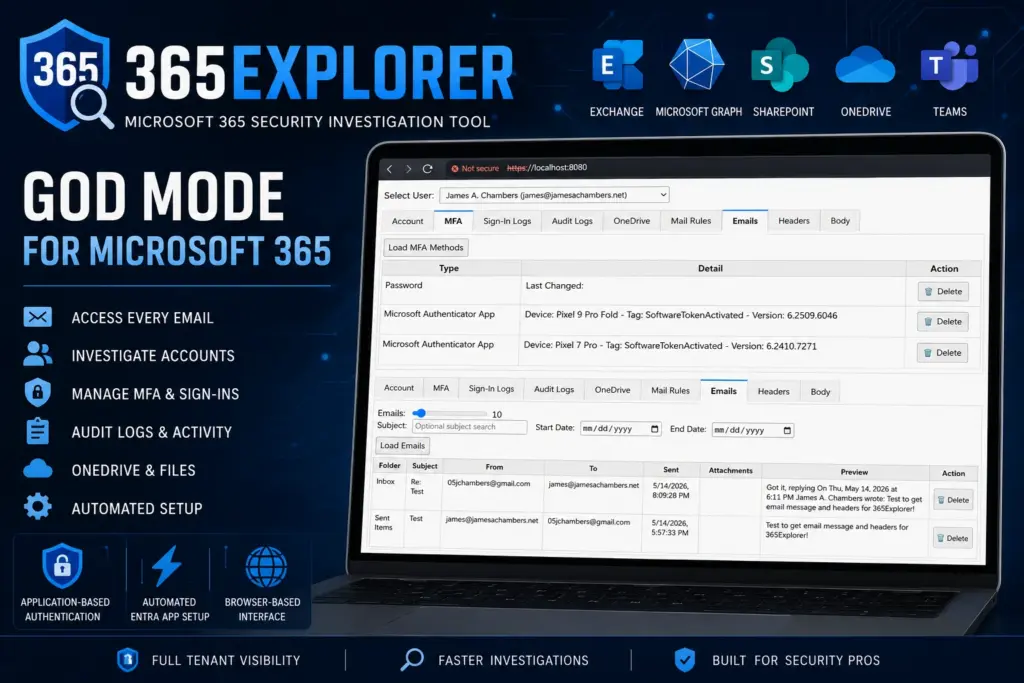
365Explorer is now available as a PowerShell module designed to make Microsoft 365 security investigations faster, simpler, and far less painful than the usual Entra admin workflow. It runs a local web server and gives you a browser-based interface that feels closer to a security console than a traditional PowerShell script.

At its core, 365Explorer is built around application-based authentication using Microsoft Graph and Exchange Online, giving administrators a level of access that normally takes a lot of manual setup or higher-tier licensing to achieve.

365Explorer Release: A Browser-Based PowerShell Tool for Microsoft 365 Security Investigations Read More »

Cleaning SharePoint: Find Duplicates, Trim Versions, Retention

Clean Up SharePoint Storage

SharePoint storage is one of the most underestimated cost drivers in a Microsoft 365 environment. Microsoft gives every tenant 1TB of base storage plus 1GB per licensed user, but once you start hitting those limits, adding more storage costs money. And the storage you’re paying for is often largely wasted.

Duplicate files get copied across sites instead of linked. Version history grows unbounded — some files have 50+ revisions. Older file versions that no one will ever need keep consuming quota. Without active cleanup, these problems compound silently.

Here are the three cleanup operations I run on every tenant, and the PowerShell behind each one.

Cleaning SharePoint: Find Duplicates, Trim Versions, Retention Read More »

PSEndpointForensics: Fast Windows Triage Without the Noise

PSEndpointForensics: Fast Windows Triage Without the Noise

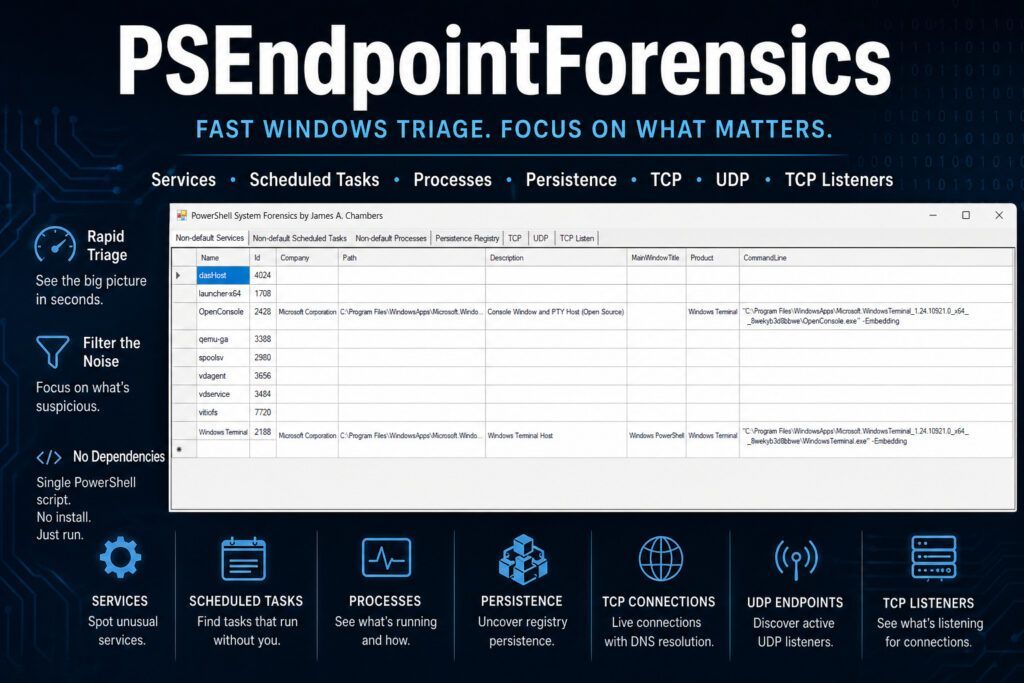
When you’re investigating a potentially compromised Windows endpoint, the last thing you need is another tool that dumps endless raw output into a console window and calls it “forensics.”

You need the suspicious service that shouldn’t be there. The scheduled task that doesn’t belong. The odd TCP listener waiting for connections. The registry persistence key that explains why malware keeps coming back.

Most importantly, you need all of it in one place.

That’s exactly why I built PSEndpointForensics.

PSEndpointForensics: Fast Windows Triage Without the Noise Read More »

Fixing SYSVOL DFS Replication Failures – A Quick Reference Guide

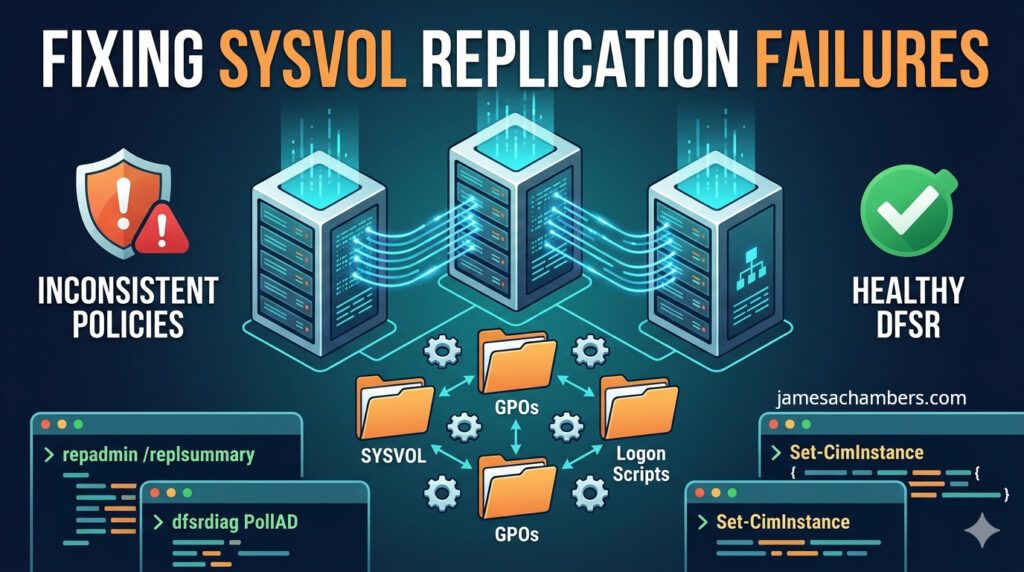
Fixing SYSVOL Replication Failures

SYSVOL replication failures are one of the domain controller problems that keep IT teams up at night. When SYSVOL stops replicating correctly, Group Policy Objects (GPOs) stop updating, logon scripts fall out of sync, and domain controllers begin serving inconsistent policy data.

It’s important to separate this from Active Directory replication issues:

AD replication (NTDS) handles users, groups, password changes, and directory objects

DFSR (Distributed File System Replication) handles SYSVOL contents like GPO files and scripts

If passwords aren’t replicating, that’s an AD replication problem. If GPOs aren’t applying consistently, that’s usually a SYSVOL/DFSR problem.

This guide focuses on the most common DFS Replication failure scenarios and the safest ways to fix them.

Fixing SYSVOL DFS Replication Failures – A Quick Reference Guide Read More »

Tracking User Lock, Unlock, and Sleep Events with PowerShell

Auditing External File Sharing in Microsoft 365 with PowerShell

A user reports their workstation keeps going to sleep “on its own.” Or someone claims they never left their desk, yet the session clearly disconnected. Answering these questions means digging through the Windows event log and correlating events across Security and System logs into one timeline.

This script pulls seven distinct event IDs from two different logs, merges them chronologically, and outputs a readable sequence of what happened and when.

Tracking User Lock, Unlock, and Sleep Events with PowerShell Read More »

The Nuclear Option: A PowerShell Script to Reset Windows Update Completely

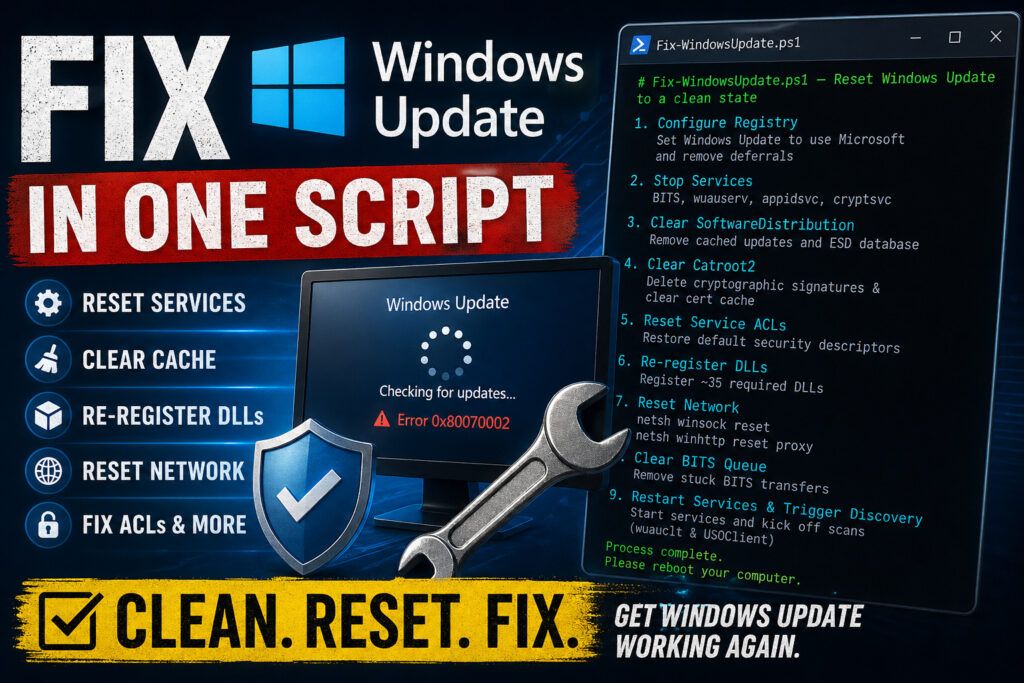
Fix Windows Update with PowerShell

Windows Update breaks. Everyone knows this. Stuck update loops, error codes that don’t make sense, a client machine that hasn’t successfully installed patches in months. Microsoft’s official KB article for fixing Windows Update is a wall of 30+ manual steps. You have to stop services, rename folders, reset security descriptors, register DLLs, and restart everything in the correct order.

I wrote a script that does all of it in one shot, and I’ve run it on hundreds of machines with consistent results. Here’s how it works and why each step matters.

The Nuclear Option: A PowerShell Script to Reset Windows Update Completely Read More »

Auditing External File Sharing in Microsoft 365 with PowerShell

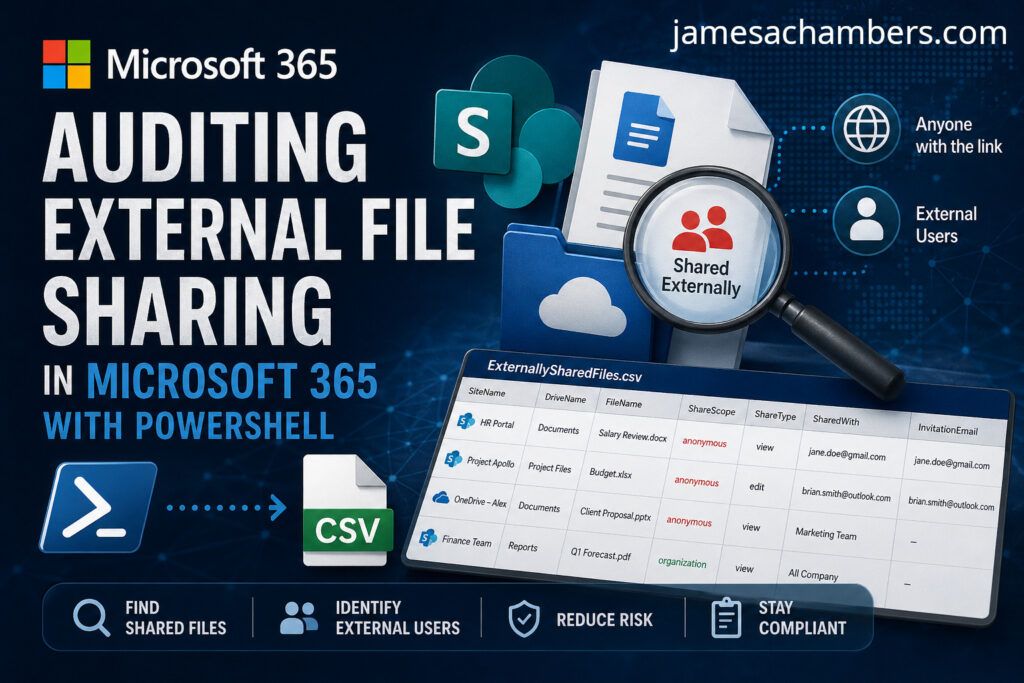
Auditing External File Sharing in Microsoft 365 with PowerShell

External sharing is a compliance nightmare. Your 365 tenant has dozens of SharePoint sites, each with document libraries, and files are shared via links or direct invitations. The SharePoint admin center shows you a high-level sharing policy per site, but it won’t tell you which specific files are shared externally or with whom.

I wrote a script that walks every site, every drive, and every file in your tenant using the Microsoft Graph API, then exports a CSV of every externally shared file with who it’s shared with.

Auditing External File Sharing in Microsoft 365 with PowerShell Read More »

Making a Core Keeper Fishing Bot Using AI (Grok 3)

Making a Core Keeper Fishing Bot with AI (Grok 3)

Despite the massive hype around AI I have always had a lot of trouble getting the AI to generate usable code. Even when I reply back and try to help the AI understand what it’s missing it often tends to actually get *worse* after my suggestions.

Even for this simple project ChatGPT and Gemini failed miserably to write a very simple fishing bot. They both hallucinated and tried using PowerShell modules that don’t exist. Trying to further refine my prompts only yielded *worse* results!

After hearing all the hype around Grok 3 I decided to give it a try at writing something very simple I wanted: something to simply click the mouse for me in Core Keeper in order to fish. To my surprise in “Think” mode Grok 3 was able to give me incredibly simple and effective code in one try. Wow!

Making a Core Keeper Fishing Bot Using AI (Grok 3) Read More »

Remove All Traces of Microsoft SCCM w/ PowerShell (By Force)

SCCM Problem

Microsoft’s System Center Configuration Manager (SCCM) seems to usually work pretty well for 95-97% of the computers at the environments I’ve worked in. Unfortunately for the remaining few percentage points of computers that SCCM is *not* working pretty well for when SCCM does break it does so spectacularly with style and pizzazz.

This guide will show you how to use PowerShell to remove all traces from the computer so you can perform a clean reinstall!

Remove All Traces of Microsoft SCCM w/ PowerShell (By Force) Read More »

Disabling SCCM MDM Coexistence Mode (Unofficial Imperfect Workaround)

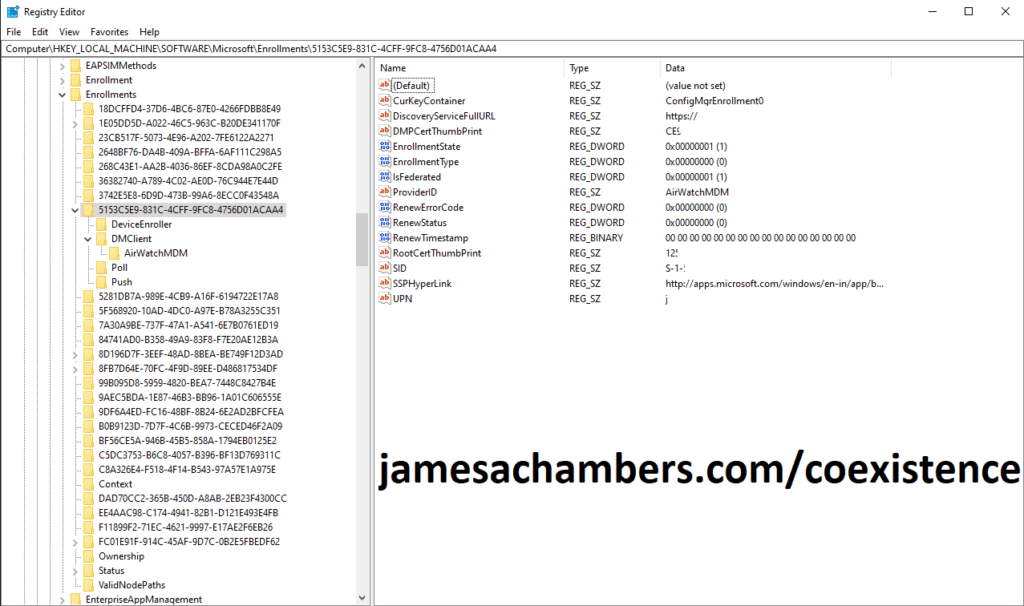
SCCM MDM Enrollment Registry Key

Microsoft recently added a feature called MDM coexistence into SCCM. Basically this makes SCCM shut off most of it’s functionality when a third party MDM is detected on the machine. You will see errors such as “You don’t have permission to install this software” when coexistence mode is enabled.

This post will outline a way I found to turn SCCM back on (with a caveat).

Disabling SCCM MDM Coexistence Mode (Unofficial Imperfect Workaround) Read More »

ServiceNow Automation Using Chrome Extension

I am releasing my Google Chrome extension with tools to automate many ServiceNow ticket tasks. 

It is a easily extendable extension in which you can autopopulate and autoroute tickets, automatically refresh your queues, play a sound when a new chat comes in, present hints and tips to agents, and many other features.

Every ServiceNow implementation is different so don’t expect to be able to drop this extension right in. To use it will require modifications specific to your implementation of ServiceNow.  If you understand basic Javascript you should be able to make use of this.  No APIs are used other than what is available in ServiceNow itself.

This tool was developed using the Chrome Developer Tools (Ctrl+Shift+I) to get fields and ids you will need to make the tool work. I do not recommend even attempting to use this unless you are a fairly experienced web developer.

ServiceNow Automation Using Chrome Extension Read More »