Benchmark Tinker Board, ODROID, Pine64, OrangePi and others

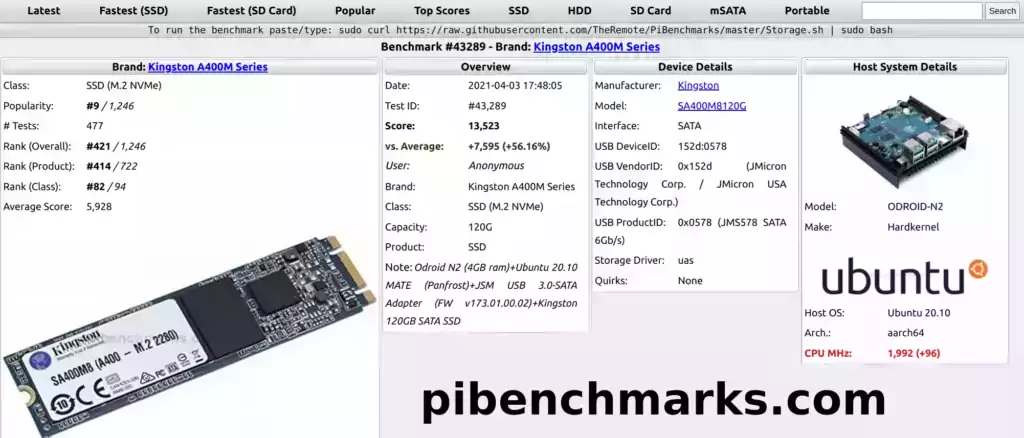
PiBenchmarks.com - Benchmark #43289

PiBenchmarks.com is now several years old. It has over 31,000 identified benchmarks. Previously only results from the Raspberry Pi would show live on the site.

like to announce that over the past couple of weeks I’ve added support for the SBCs that many of you had already submitted benchmarks for (even though they weren’t recognized on the site yet). These are now all retroactively live on the site right with all of the Pi submitted benchmarks.

Let’s take a look at a list of some of the models that were added and how to run the benchmark!

Benchmark Tinker Board, ODROID, Pine64, OrangePi and others Read More »
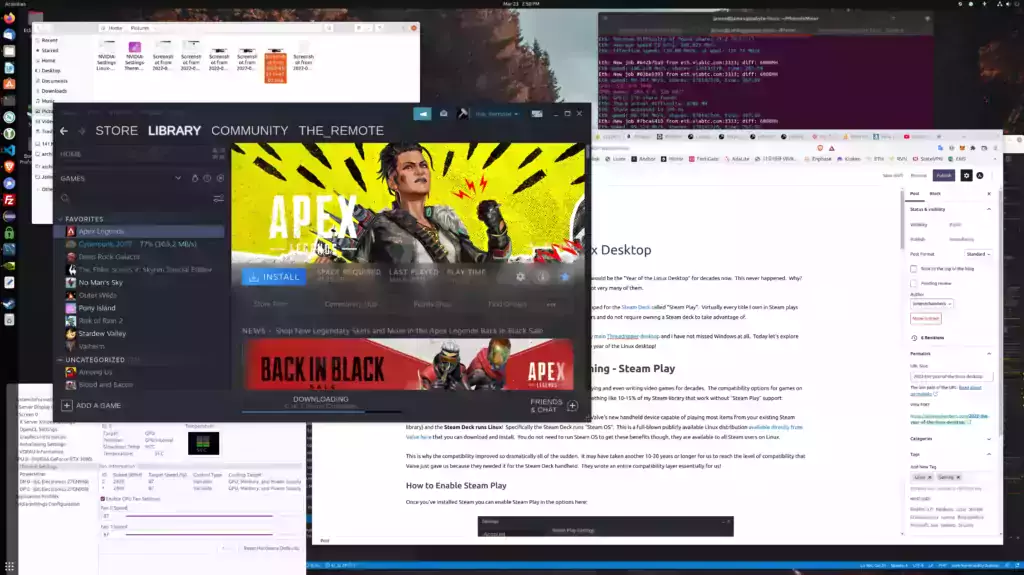
2022 – The Year of the Linux Desktop

Year of the Linux Desktop

It has been a long-running meme in the Linux community that each new year would be the “Year of the Linux Desktop” for decades now. This never happened. Why? A big reason is compatibility with gaming. Some titles worked on Linux but not very many of them.

ibility options they developed for the Steam Deck called “Steam Play”. Virtually every title I own in Steam plays flawlessly on Linux now as these options are available for all Steam Linux users and do not require owning a Steam deck to take advantage of.

Today let’s explore the things that have changed that up until this point had been preventing the year of the Linux desktop!

2022 – The Year of the Linux Desktop Read More »

Why GPU / Ethereum Mining Is Toast – Stop Buying GPUs

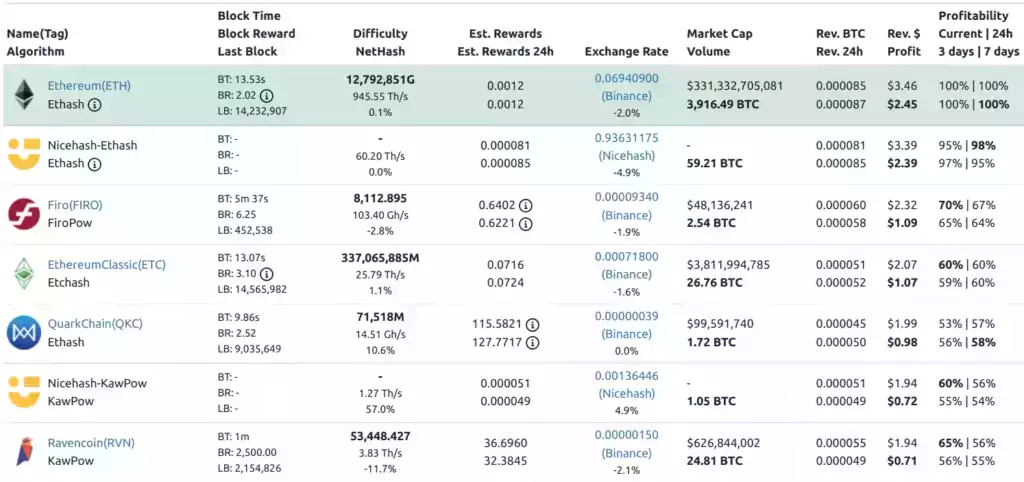
whattomine.com

One way I keep up with the developments in cryptocurrency is I do watch some of the YouTubers since the YouTubers are generally following the juiciest developments to farm views. With the continued news that Ethereum is going to launch Eth 2.0 and is more or less on time (now called the “Ethereum consensus layer”, how catchy) how much denial there is around this fact.

Except we are way past that point now. It’s literally these YouTuber’s job to know that GPU mining is toast and today I’m going to expose how big of frauds they are, how they really built their mining farms, what they are actually doing vs. what they’re telling you and why, as well as explain what exactly is going on with Ethereum and why if you’re planning on being able to mine with those GPUs (at least above the cost of your electricity / profitably) the math is not looking good.

Let’s break down what neither the miners or the Ethereum developers want to talk about / remember and break it down!

Why GPU / Ethereum Mining Is Toast – Stop Buying GPUs Read More »

Bulk Management of Multiple Goldshell ASIC Miners w/ Yotta BC

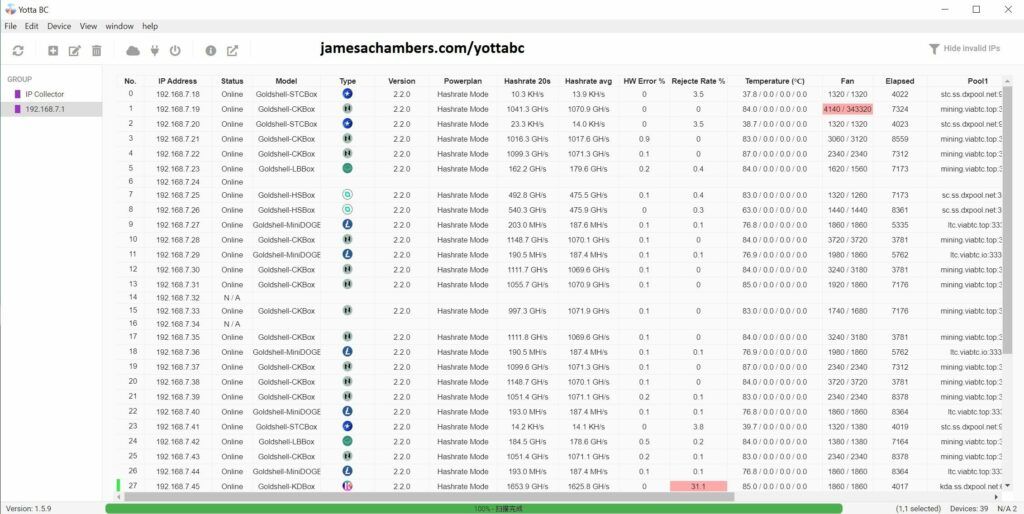
Yotta BC - Official Goldshell ASIC Bulk Management Tool

One reality of cryptocurrency mining is that you are almost certainly going to need multiple units to reach whatever goals you have. The way most people do this is pay for / ROI on their existing units and then they will add more units and repeat the cycle again.

At first this is easy when you only have a few units but it gets more complex as you add more units. You will need better infrastructure and management tools as you scale up.
I’ve been going through this process for a ASIC farm build-out and wanted to share some of the tools I’ve found and used to make scaling up much more effective.

Today I’m going to cover an official tool from Goldshell called YottaBC that lets you do a lot of cool things like tell all of your miners to change pools at once, view the status of all miners in one fell swoop, fix miners that have lost their IP address and lots of other critical functions. Let’s take a look!

Bulk Management of Multiple Goldshell ASIC Miners w/ Yotta BC Read More »

Goldshell BOX ASIC Miner Firmware Recovery Guide

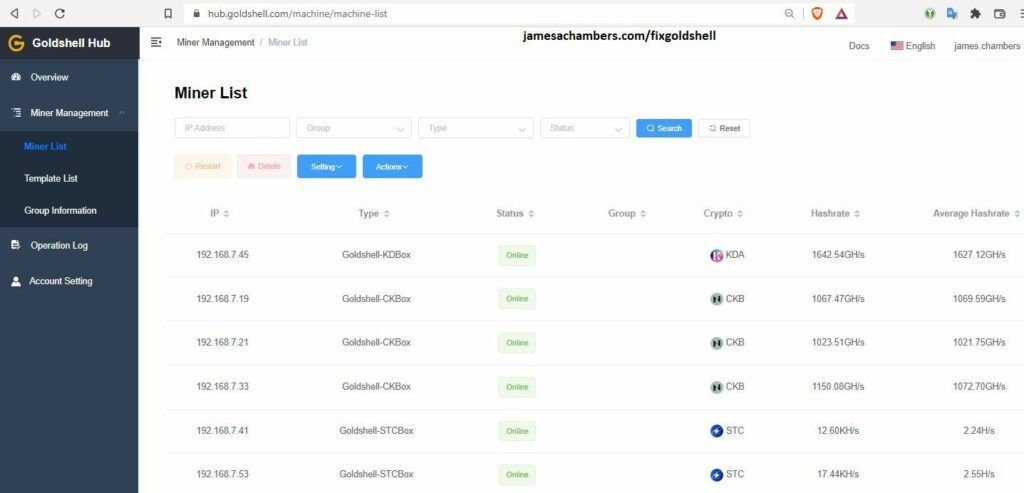
Goldshell Hub - Introduced in firmware 2.2.0

Recently Goldshell released the 2.2.0 update which includes the new “Goldshell Hub” (featured above) which is basically a cloud control center for your miners. I was able to upgrade 23 miners successfully but I had one Mini DOGE and one ST-BOX fail during the upgrade.

After a substantial Google journey and finding some very helpful posts on reddit I was able to recover both of them without waiting for Goldshell’s response on the situation. I will cover what I used to do so and where to find them in the guide but it is at your own risk and if you aren’t outside of your warranty support period you should almost certainly contact Goldshell instead.

With that caveat/warning given, I have 25 of these miners and only 1-2 were bought directly from Goldshell in the first place so I was not worried about losing my warranty or support period from them but you should be careful here and only proceed if you understand this. Let’s begin!

Goldshell BOX ASIC Miner Firmware Recovery Guide Read More »

Fix Home Assistant / HAOS Raspberry Pi USB/SSD Boot Freeze

Home Assistant / HAOS

There are few things I dislike more in this world than getting questions on my setup guides that I don’t know the answer to, but thanks to an investigation by Bill Schatzow we can strike one of those issues off the list!

We’ve had a few comments of people who have encountered this issue over the years. Given that at best only 1% of people who visit the site leave a comment I think it’s safe to say that this issue has plagued thousands of people over the past 10-12 months.

Let’s take a look!

Fix Home Assistant / HAOS Raspberry Pi USB/SSD Boot Freeze Read More »

Bobcat 300 Diagnoser Tool / Utility Guide (Helium Mining)

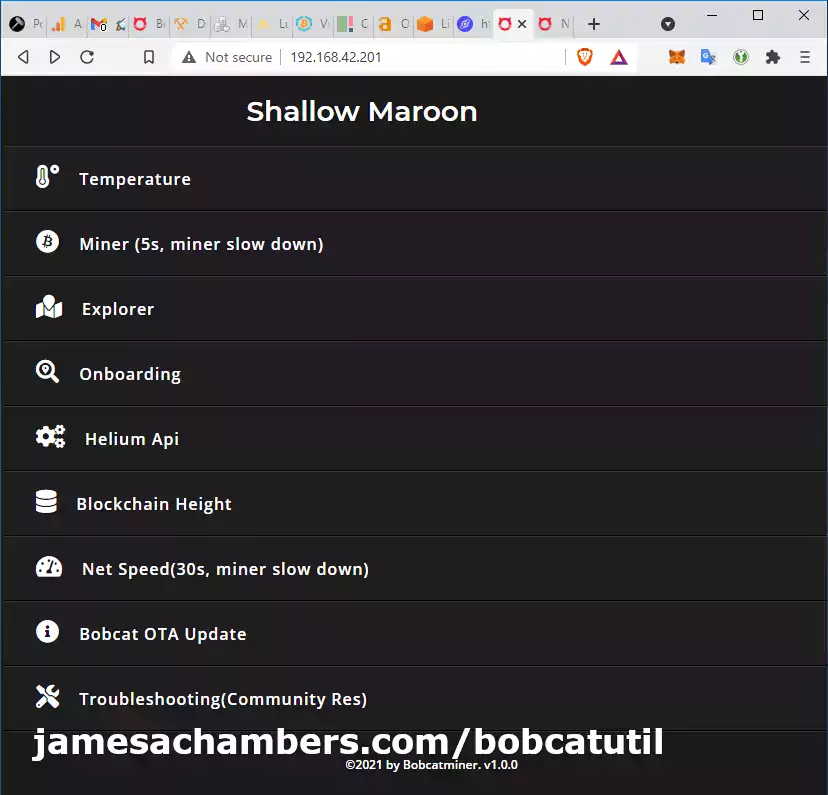
Bobcat 300 Diagnoser Utility

The Bobcat 300 Helium Miner finally has an interface you can use to be able to tell what it’s doing! Better yet, it lets you do a few things like conduct an internet speed test. You can even get a detailed breakdown of which block your miner is on!

In this guide I’ll break down how to access the web interface (easy) and run through some of the features that are available at launch (1.0). The utility started installing on Bobcat 300’s via OTA updates on August 3rd 2021. Let’s begin!

Bobcat 300 Diagnoser Tool / Utility Guide (Helium Mining) Read More »

PCIe 1x NVMe on Raspberry Pi?! Compute Module 4 Guide

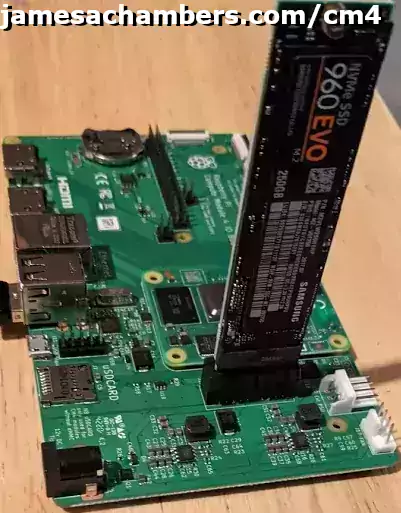
CableCC Vertical Adapter in Compute Module 4 IO Board

I recently covered all the pieces you need for a complete setup to work with the Raspberry Pi Compute Module 4. Today I want to cover the whole reason I wanted to investigate the Compute Module 4: The PCI express capabilities!

In this guide I’ll cover a couple of 1x PCIe to NVMe adapters I picked up to try doing this with as well as full configuration and setup instructions. Let us begin!

PCIe 1x NVMe on Raspberry Pi?! Compute Module 4 Guide Read More »

Full Raspberry Pi Compute Module 4 Setup / Imaging Guide

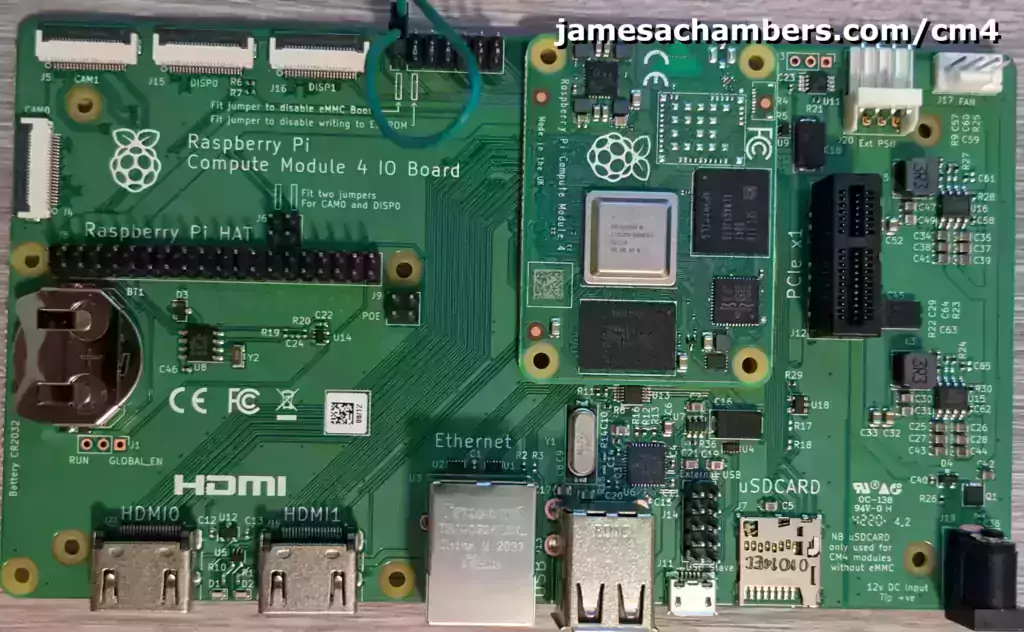
Raspberry Pi Compute Module 4 mounted in IO Board

The Raspberry Pi Compute Module 4 is primarily meant for embedded projects and didn’t catch my interest at first. That was until people started absolutely smashing previous records on my Pi storage benchmarking site pibenchmarks.com.

Upon further investigation it turns out that people are breaking these records using the Compute Module 4 since it allows running a NVMe drive through PCI express instead of having to use a USB adapter (the current bottleneck in other Pis).

Wanting to investigate these new capabilities for myself I got a hold of some gear and wanted to write a setup and configuration guide on everything you need for a full CM4 (Compute Module 4) setup and how to get it imaged and configured. Let’s get started!

Full Raspberry Pi Compute Module 4 Setup / Imaging Guide Read More »

Review: ViaBTC Mining Pool (Mixed)

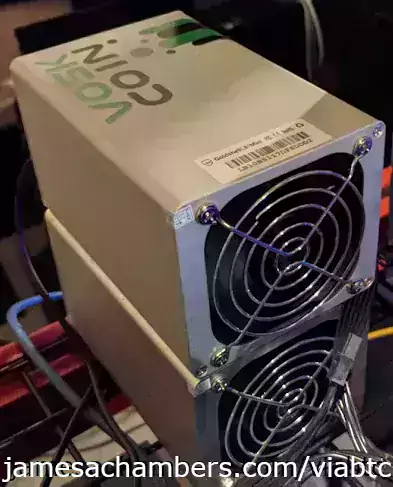
Goldshell LB1 and Goldshell HS1 Plus ASIC Miners

In my last series of cryptocurrency related products/services reviews I gave a positive review to the ApeSwap Exchange on the Binance Smart Chain which has continued to be a great exchange and live up to that review.

Today we will be reviewing the ViaBTC mining pool (for multiple cryptocurrencies and not just Bitcoin, lots of harder-to-find alts and that is why I’m using it) and they will not be so fortunate. Let’s jump right into it!

Review: ViaBTC Mining Pool (Mixed) Read More »

Speed Up Helium Miner Hotspot Sync / Fixing “Relayed” Status

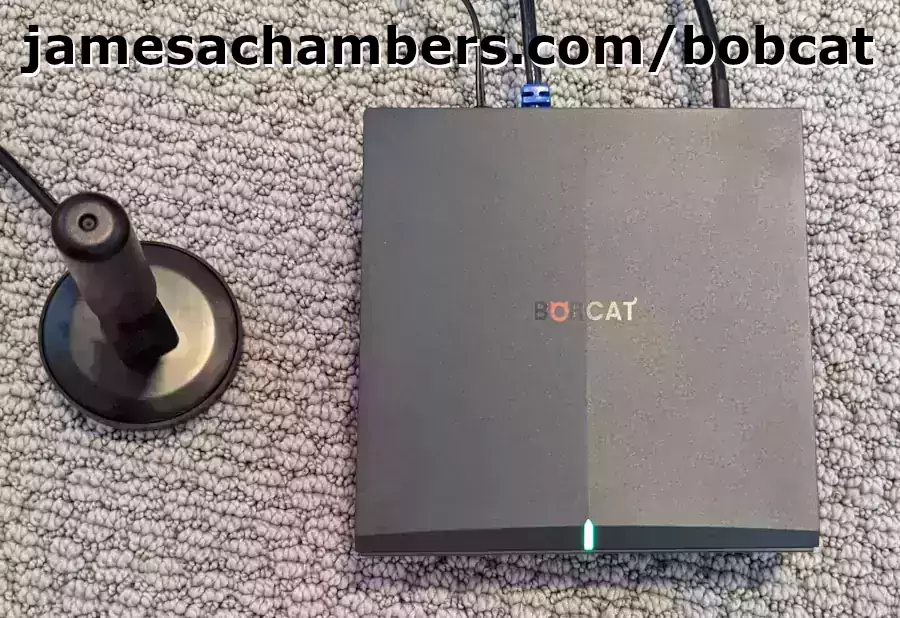
Bobcat Miner

I recently received my Bobcat 300 miner after months of waiting. Much of the advice I’d read/seen on the subject suggested to leave the hotspot alone and that it takes a very long time to sync.

This is true but it assumes you configured your network correctly first and have the correct port opened to the outside world. If it’s not it will take even longer to sync the blockchain and your hotspot will have a yellow “Relayed” status. This is slowing down your sync and will harm your rewards even when it finishes since your responses to challenges will be “relayed” and will often time out before they are relayed through other hotspots.

In this guide I’ll show you how to get your network configured correctly for your hotspot to sync as fast as possible and remove the “Relayed” status!

Speed Up Helium Miner Hotspot Sync / Fixing “Relayed” Status Read More »

Fixing Storage Adapters for Raspberry Pi via Firmware Updates

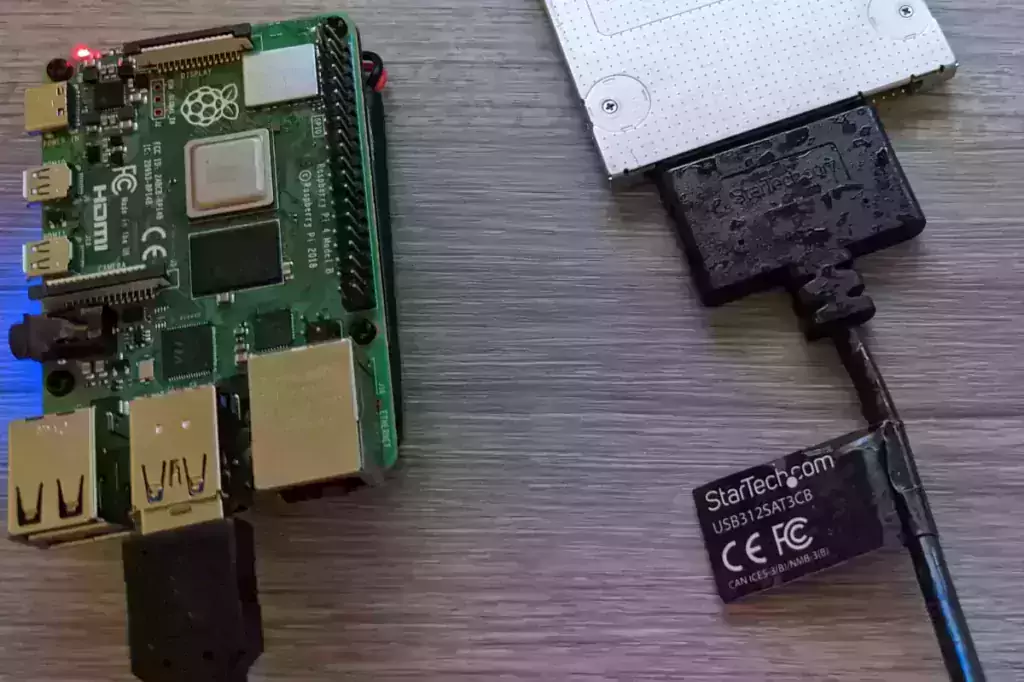
StarTech USB312SAT3CB

I’ve covered how to get the right type of storage adapter for your Raspberry Pi for years on this site and cataloged storage adapters that both work and don’t work with the Raspberry Pi. Over the years we’ve learned that many of these adapters can be “fixed” with a firmware update to work with the Raspberry Pi.

In this article I’ll put together an evolving list of firmware adapters that can be fixed with these updates from my own experience as well as comments people have left over the years!

Fixing Storage Adapters for Raspberry Pi via Firmware Updates Read More »

Using Multiple M.2 NGFF 2280 SATA Drives Simultaneously

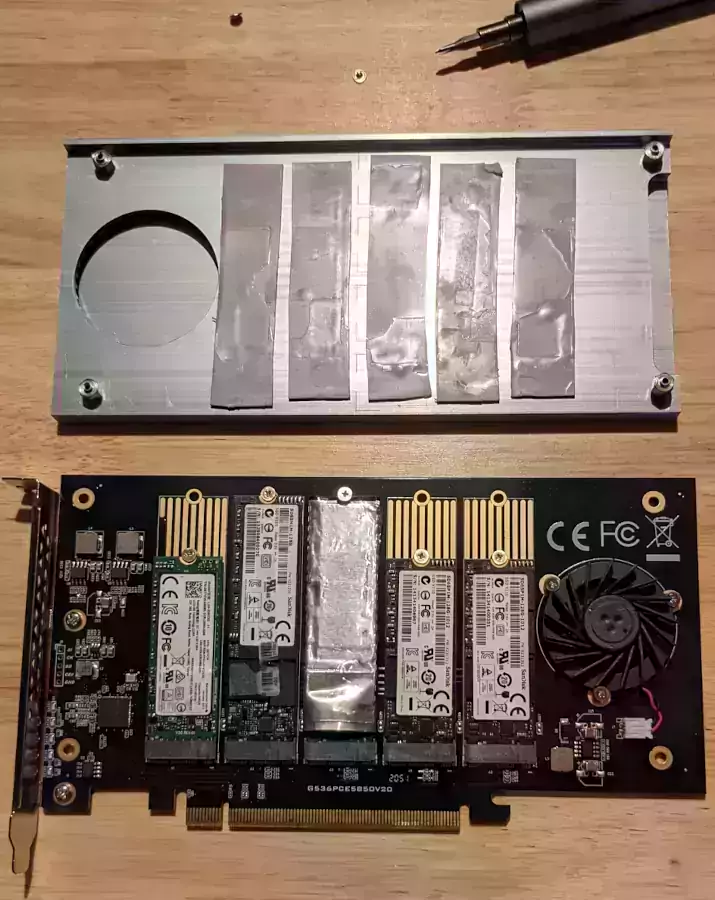
IOCREST NGFF 2230/2242/2260/2280/22110 SATA PCIe Enclosure

I’ve been running pibenchmarks.com for several years now so I’ve held on to any spare storage devices I can get my hands on for benchmarking/testing/cataloging purposes. This led to a big surplus of drives and no easy way to utilize them. That was before getting some new tools to be able to utilize lots of drives at once.

Last time I covered a monster 16 bay hot swappable 2.5″ SATA cage (as well as a more reasonable 8 bay option) in this “extreme storage” series of articles and in this article we’re going to cover M.2 SATA NGFF / M.2 NVMe drives. It’s also possible to do RAID!

Using Multiple M.2 NGFF 2280 SATA Drives Simultaneously Read More »

Minecraft 1.17 Caves and Cliffs Paper Server Update Available

Minecraft 1.17 - Caves and Cliffs Update

The 1.17 Caves and Cliffs Part 1 version of Minecraft came out for vanilla very recently but until now the Paper Minecraft server was not available for it. This means that my Raspberry Pi Minecraft script was unable to run this version until now.

Today I checked the Paper Minecraft API server available versions and sure enough 1.17 was finally in the version list so I updated the Raspberry Pi Minecraft server scripts and they are now available! Raspberry Pi not required, the script will work on most versions of Linux that have apt available.

Minecraft 1.17 Caves and Cliffs Paper Server Update Available Read More »

Monster 16 Bay Hot-Swappable 2.5″ SATA Cage – ICY DOCK

ICY DOCK 16 Bay SAS/SATA Backplane Cage

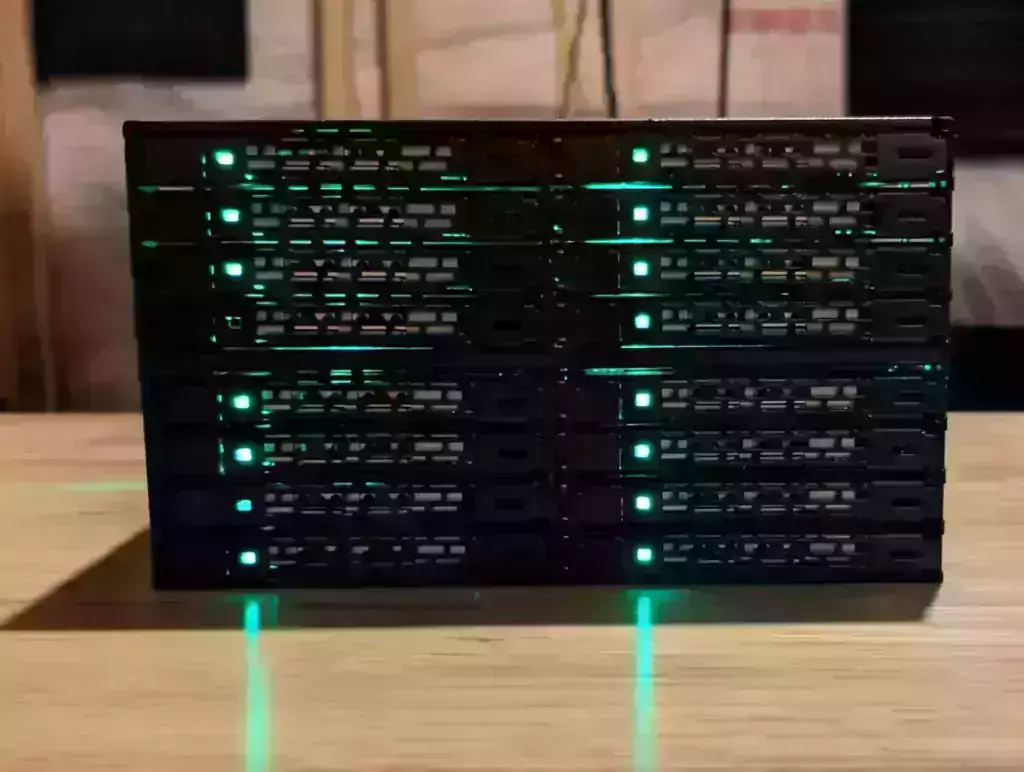
I have a *lot* of 2.5″ SATA drives around the house that have collected from over the years from various devices. Often these drives have useful data on them or aren’t big enough to justify using on their own. The absolutely monstrous ICY DOCK 16 bay 2.5″ SAS/SATA backplane cage solves all of these problems and lets you hot swap (change out the drives while the OS is running) drives live in your OS!

In this guide I’ll cover how what I needed to actually set up something like this and my advice for people who are interested in these same type of hot swappable / RAID capabilities. I’ll also share the “sweet spot” recommendation to get the most bays for the least money if you’re on a tight budget. Let’s get started!

Monster 16 Bay Hot-Swappable 2.5″ SATA Cage – ICY DOCK Read More »

Exit mobile version